
How to Make YouTube Thumbnails with GPT Image 2.5: 4 Styles That Get Clicks
Make click-worthy YouTube thumbnails from one prompt with GPT Image 2.5: reaction face, before/after, numbered list and product review, each with a copy-paste prompt.

A thumbnail has one job: make someone stop scrolling and click. Most high-performing thumbnails follow a handful of patterns: a big headline, a strong emotion, high contrast and one clear focal point. GPT Image 2.5 can produce all of that from a single prompt, including headline text that's spelled correctly.
Below are four proven styles. Each one comes with the exact prompt we used, so you can open it in the generator and swap in your own topic.
What makes a thumbnail work
- 3–5 words of headline, max. It has to read at phone size.
- One focal point. A face, a product or a number. Not all three fighting.
- High contrast. Bright background, thick outlines on text, saturated color.
- Curiosity. Show the result or the question, not the whole story.
Keep these in mind when you edit the prompts below.
Style 1: Reaction face + big headline
The classic. A strong expression tells viewers how to feel, and the headline tells them why. The thumbnail at the top of this article was made with this prompt:
Professional YouTube thumbnail, 16:9, high contrast, saturated colors, bold clean composition. A shocked young woman with wide eyes and both hands on her cheeks on the right side, looking at a giant pile of coins on the left. Bright cyan background. Huge white headline with thick black outline: "I SAVED $10,000". A yellow arrow pointing at the coins.
Try this promptMake it yours: change the emotion (shocked, excited, confused), the object she's reacting to, and the headline. Keep the face large and on one side so the headline has room.
Style 2: Before / after split
Transformation videos (makeovers, cleanups, fitness, renovations) live on this layout. Viewers click to see how you got from one side to the other.
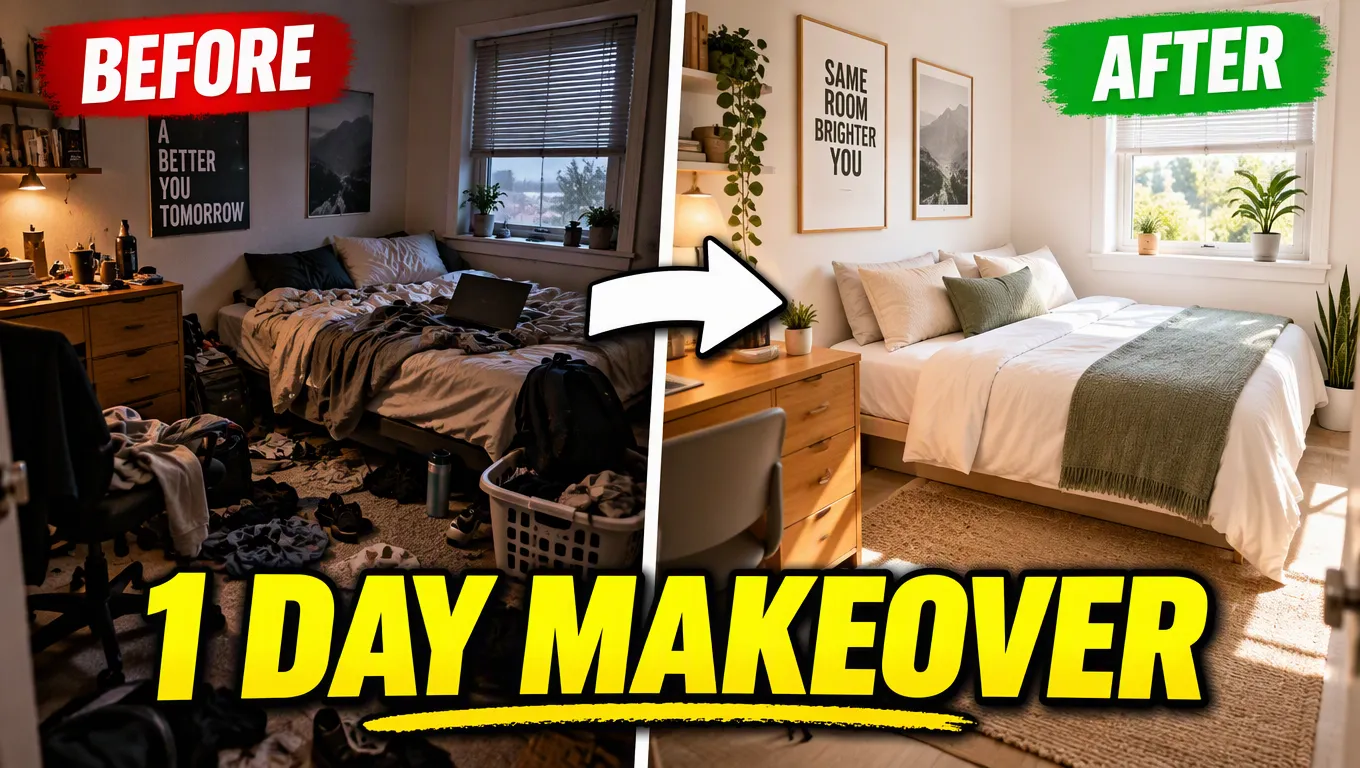
Professional YouTube thumbnail, 16:9, high contrast, saturated colors, bold clean composition. Split-screen before and after of the same small bedroom: left side messy, dim and cluttered with a red "BEFORE" label; right side clean, bright and minimal with a green "AFTER" label. A thick white arrow between the halves. Big bold yellow headline across the bottom: "1 DAY MAKEOVER".
Try this promptTip: if you have real before and after photos, upload them and ask GPT Image 2.5 to combine them into this layout instead. Say "keep both photos as they are, add the labels, arrow and headline".
Style 3: Big number list
"7 hacks", "10 mistakes", "5 tools": a large number promises a quick, scannable payoff. Place it big, place the items small.
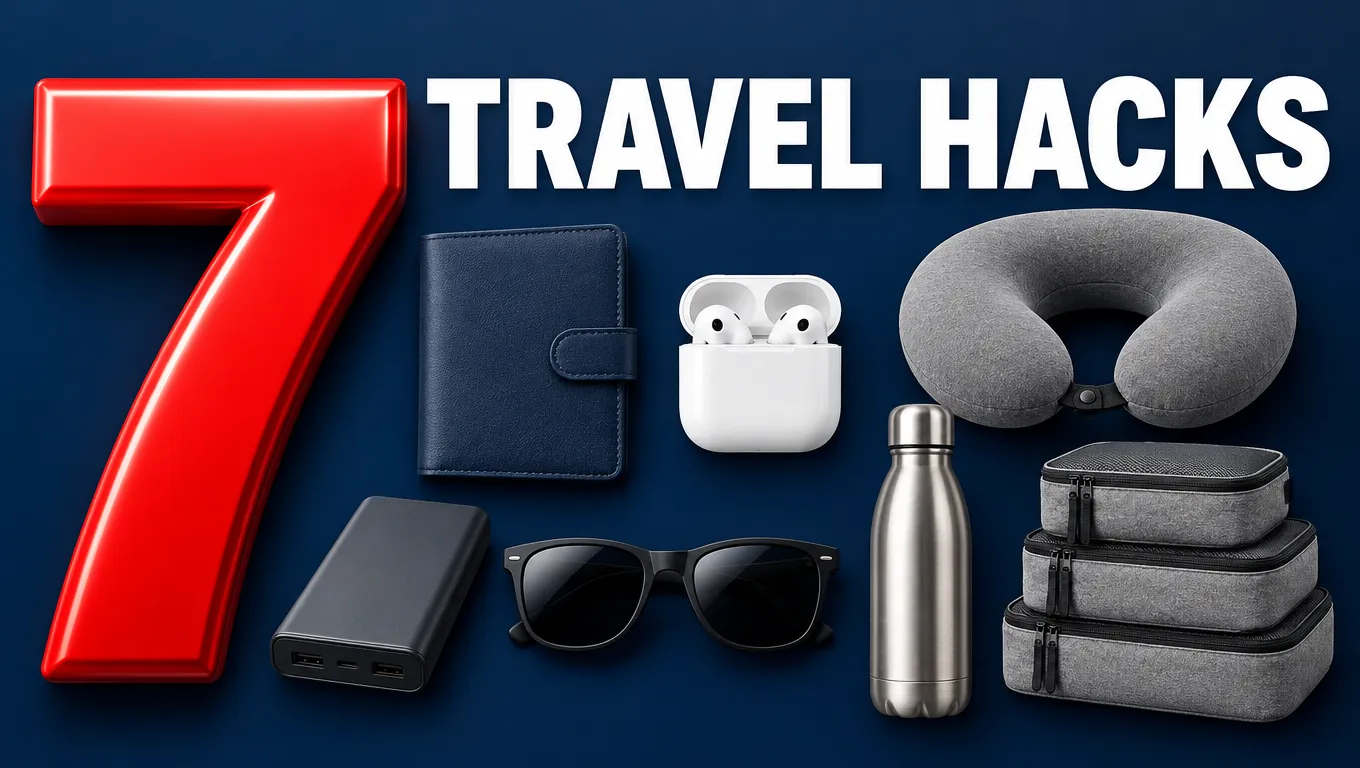
Professional YouTube thumbnail, 16:9, high contrast, saturated colors, bold clean composition. A giant glossy red number "7" on the left, on the right a neat arrangement of seven small generic travel items: a plain navy travel wallet, white earbuds, a grey neck pillow, a plain power bank, sunglasses, a plain steel water bottle, packing cubes. Every item is unbranded, with no logos. Deep navy background. Bold white headline: "TRAVEL HACKS".
Try this promptNote: ask for unbranded items, as we did here. Without that, image models tend to draw real logos, which you don't want in a thumbnail you publish.
Style 4: Product review
For reviews and unboxings, make the product the hero with dramatic lighting, and pose the question your video answers.
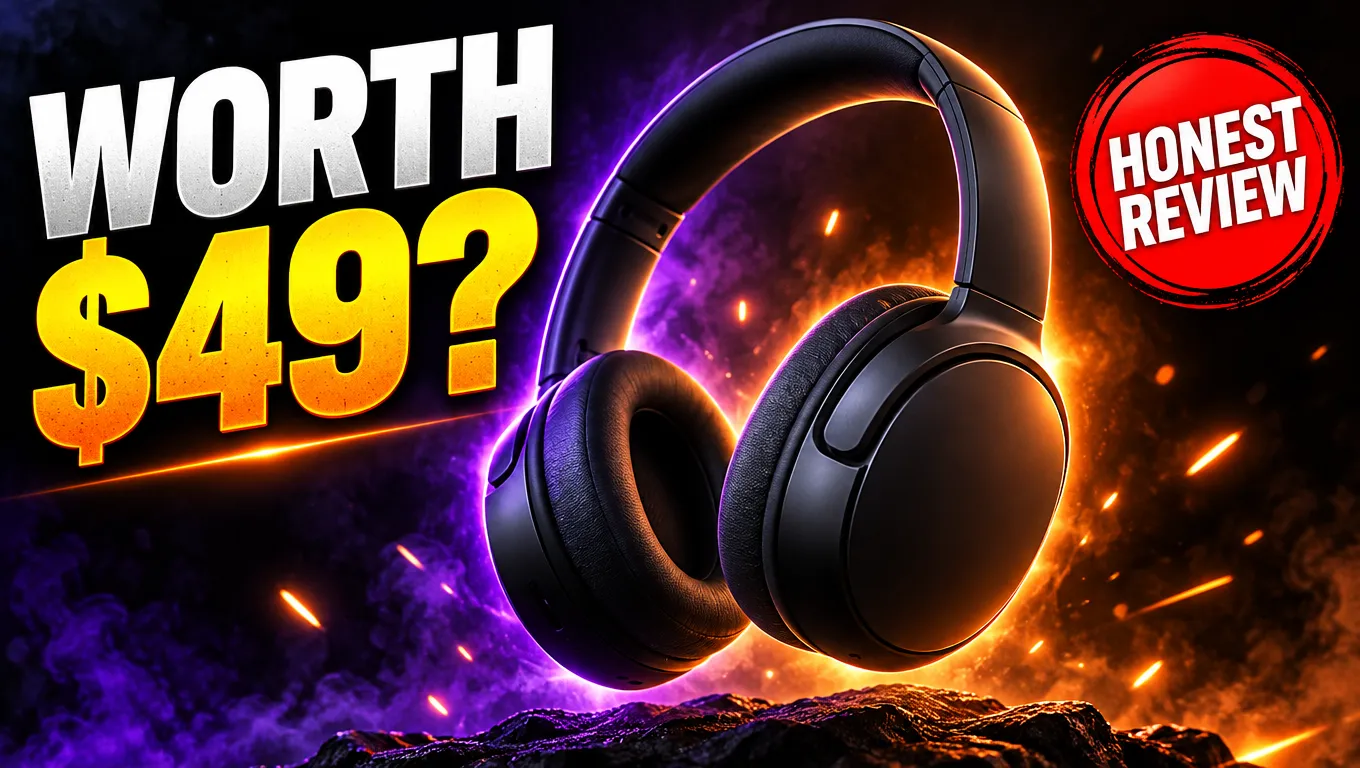
Professional YouTube thumbnail, 16:9, high contrast, saturated colors, bold clean composition. A sleek pair of unbranded matte black wireless headphones floating at the center with dramatic purple and orange rim lighting, sparks of light around them, dark background. A bold headline on the left: "WORTH $49?" and a red circle badge with "HONEST REVIEW".
Try this promptMake it yours: upload a photo of the actual product you're reviewing and ask GPT Image 2.5 to place it in this style. Your thumbnail then matches what's in the video.
Fast or Thinking for thumbnails?
Use GPT Image 2.5 Fast to try several concepts quickly: different headlines, colors and layouts. Once you've picked a direction, generate the final version with Thinking. It handles big headlines, badges and labels more reliably, which matters when the thumbnail has several pieces of text.
Getting the text right
- Put the headline in quotes and keep it under five words.
- Ask for a thick outline or a solid shape behind the text so it reads on any background.
- If one word comes out wrong, don't regenerate everything. Ask: "Change only the headline to …, keep everything else the same."
For more text and prompt techniques, read the GPT Image 2.5 prompt guide.
Make your first thumbnail
Pick the style that fits your next video, open its prompt, and replace the topic, headline and colors. You can make your first one on Image2.5 for free with your sign-up credits.